
Make the right kind of date choice
These choices serve different purposes. Changing one should be a deliberate decision about that part of your plan.
| Choice | Meaning | Example |
|---|---|---|
| Focus day | The day you choose to work on a task in Today. | Work on the draft on Tuesday. |
| Due date or deadline | When the task needs to be finished. | Send the draft by Friday. |
| Private working time | A time block you reserve for doing the work. | Write on Tuesday from 9 to 10. |
Review time in Agenda
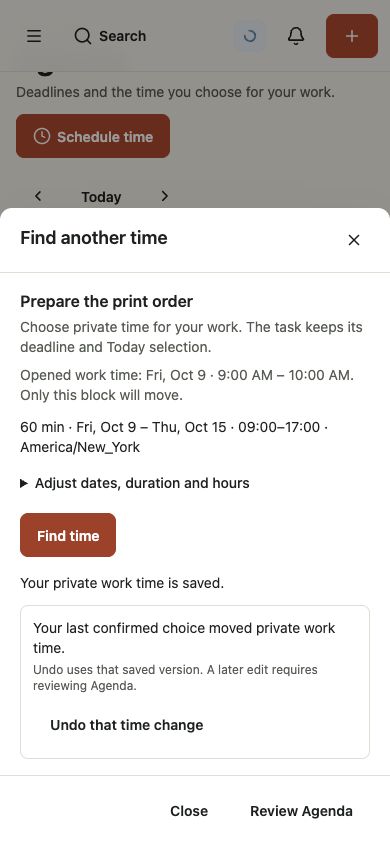
The Agenda update in testing brings deadlines and the time you choose for your work into a day or week view. Use Schedule time to choose private working time and review proposed slots before saving.
Find another time can move a selected private work block. The task keeps its deadline and Today selection. Review Agenda afterward if later edits have changed that block.
Check dates and time zones
An all-day due date and a timed deadline carry different meaning. Use a date for something due on a day; use a timestamp when a particular time matters.
Check your account time zone and working hours in Settings. Project calendars can also describe working weeks, breaks, and exceptions. Those calendars matter when you use automatic scheduling.